
01 / BOOKINGS
Bring in your bookings
Add flight, hotel, car and activity reservations to your trip. On the web, paste confirmation email text to pull the details into Roamer.
ROAMER / THE WHOLE TRIP
Turn a rough idea into an itinerary you can edit. Saved places, bookings, packing lists, Live Trip and shared costs stay beside it from planning through the trip.
Free during beta. No credit card required. See beta details.
01 / PLAN DAYS
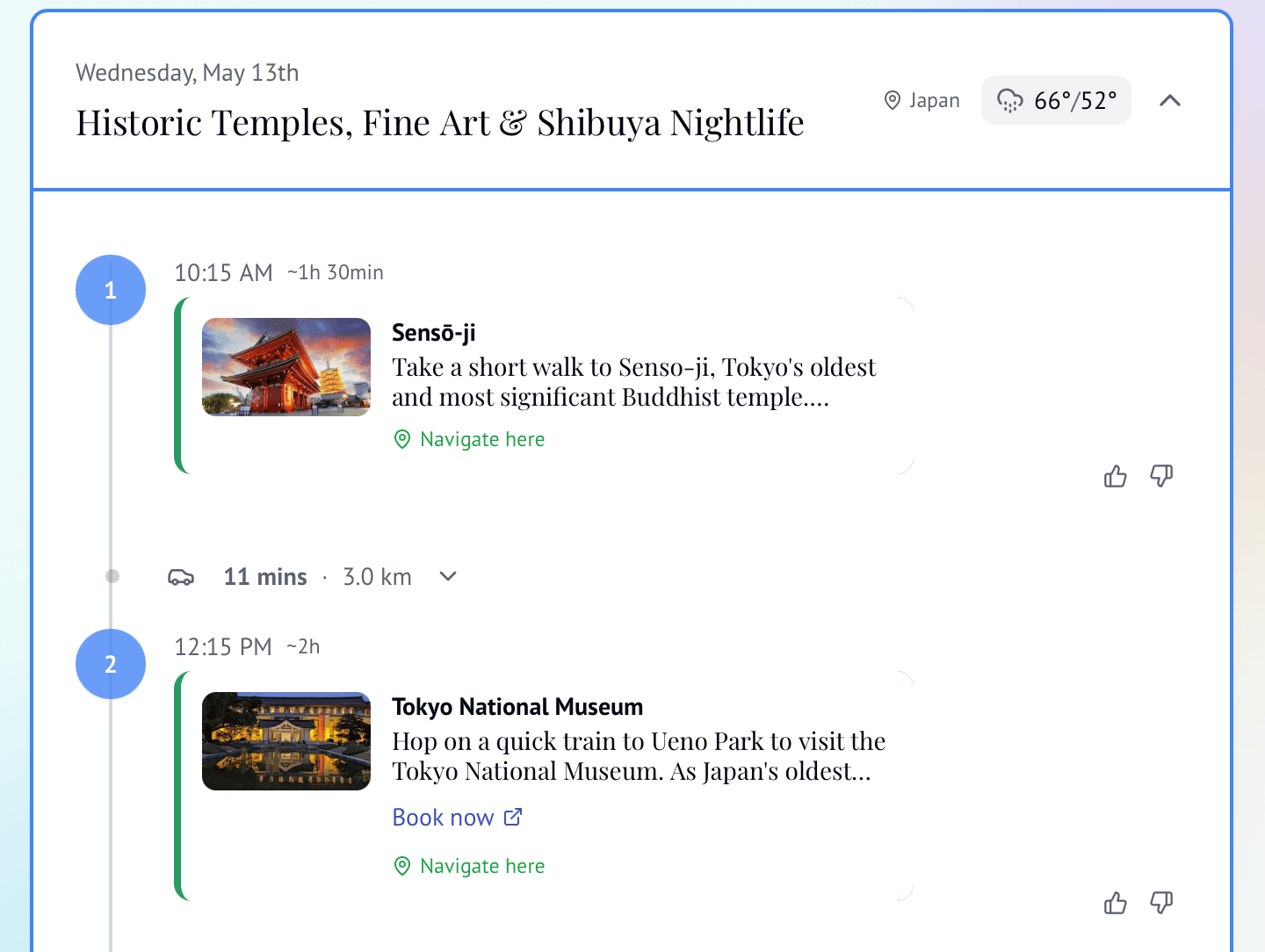
Romi builds a draft around your trip details and curated places. Roamer checks opening hours and closures where information is available. Keep editing until the plan fits.
Add a destination, dates, budget and the things you want to do.
Check what you entered, then create a day-by-day itinerary.
Move stops, change the pace and keep the places that matter to you.
View your stops on a map, check the route and open Google Maps directions between places.
PLAN TOGETHER
Invited members can view the shared plan and vote on activities. Editors can update it as the group decides.
02 / BRING THINGS IN
Keep bookings and saved places beside your itinerary so the group can find them later.
Add flight, hotel, car and activity reservations to your trip. On the web, paste confirmation email text to pull the details into Roamer.
Paste a post or reel link in the web trip workspace. Bring the places you like into your trip ideas.
Paste a Google Maps place link in the web trip workspace and save it beside your other trip ideas.
03 / GET READY
Packing, paperwork and practical information have a place beside the trip.
Keep a packing list, your own checklist and a shared group checklist. Create custom lists on iOS.
Get visa guidance for your trip and travel documents, then confirm entry rules with official sources.
See destination tips and travel advisories with your trip, ready when you need the practical details.
Get suggestions shaped by the forecast, from what to pack to changes worth considering for your day.
04 / TRAVEL WITH IT
On the mobile app, Live Trip keeps the day’s stops and details close. Follow what’s next, open directions and adjust the itinerary when plans change. Smart nudges bring timely trip reminders into the day.
On iOS and Android, supported trip changes can queue while you’re offline and sync when you reconnect.
Keep the day’s stops in order.
Open places, directions and trip information.
Adjust your itinerary when the day changes.
See timely prompts for when to leave, changing weather and venue closing times.
Your itinerary stays with you throughout the day.
05 / TRACK AND SETTLE
See the budget and shared expenses in Roamer, with a separate option to settle a balance in Splitwise.
Set a budget, record what you spend and see who owes whom as the trip unfolds.
Convert currencies in the web trip expenses view, with rates that help you make sense of local prices.
Connect Splitwise, then have the trip owner send the final summarized balance for each currency when the group is ready to settle.
COMING SOON
READY WHEN YOU ARE
Describe it, review the details and build a plan you can keep using.